
Notes that live where your screen already has a notch.
Press Option+Space and a paper-like note surface slides down from the top of your Mac. Capture a thought, dictate a paragraph, sketch a diagram, or move cards across a tiny board, then tuck it away without managing another window.

A scratchpad with no window tax. Available instantly from the menu bar or a global shortcut, gone instantly when you collapse it, and quiet the rest of the time.
Open, capture, tuck away
Three steps. No new window to manage.
Open from anywhere
Click the menu-bar icon or press
Option+Space
to slide the panel down from the notch.
Capture in one surface
Write a checklist, dictate a paragraph, sketch a diagram, or drag cards on a tiny kanban board — all inside the same note panel.
Close and keep going
Collapse back into the notch. Notes autosave locally on your Mac and optionally sync through your private iCloud database.
One panel, four ways to think
Plain notes, structured lists, live dictation, drawings, and boards — without duplicating content.
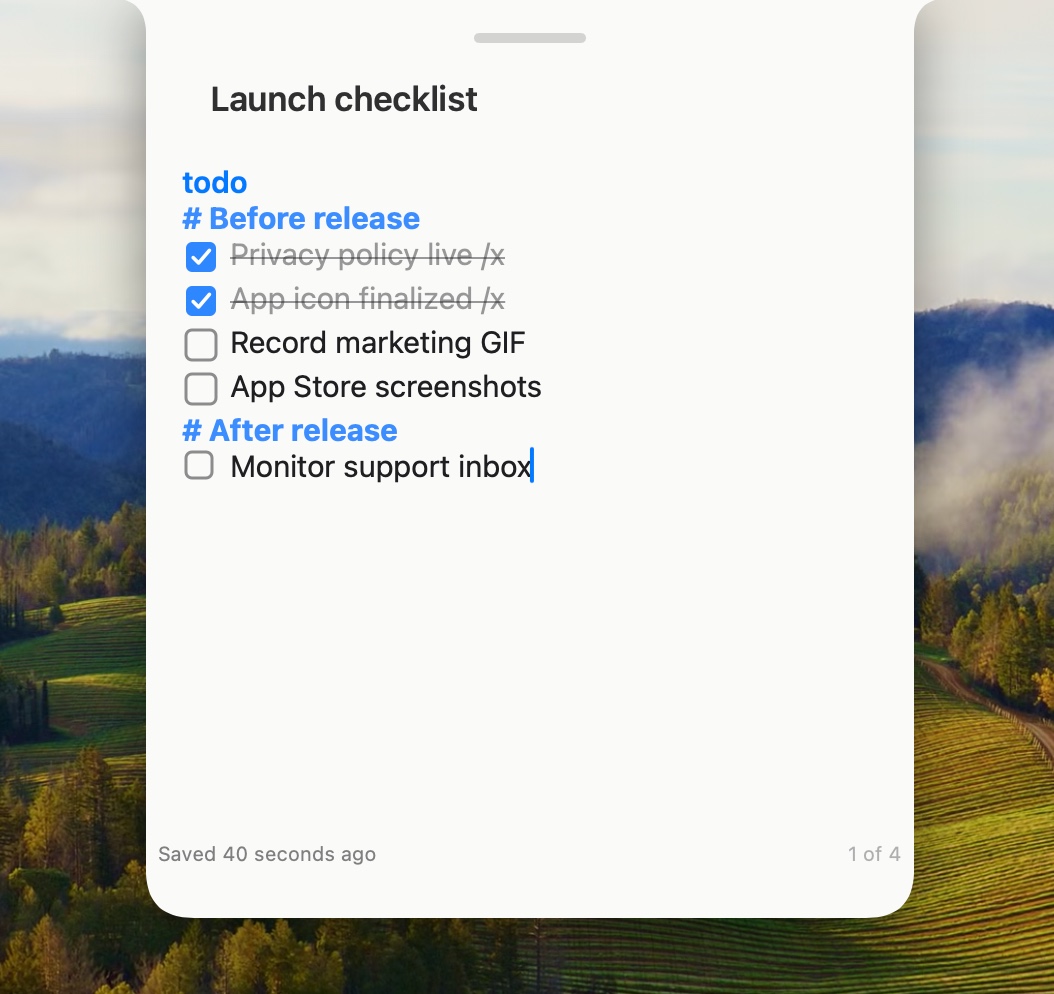
Lists, code, and free-form text
Checklists, bullets, numbered lists, and code blocks on lined, dotted, or grid paper with theme controls.
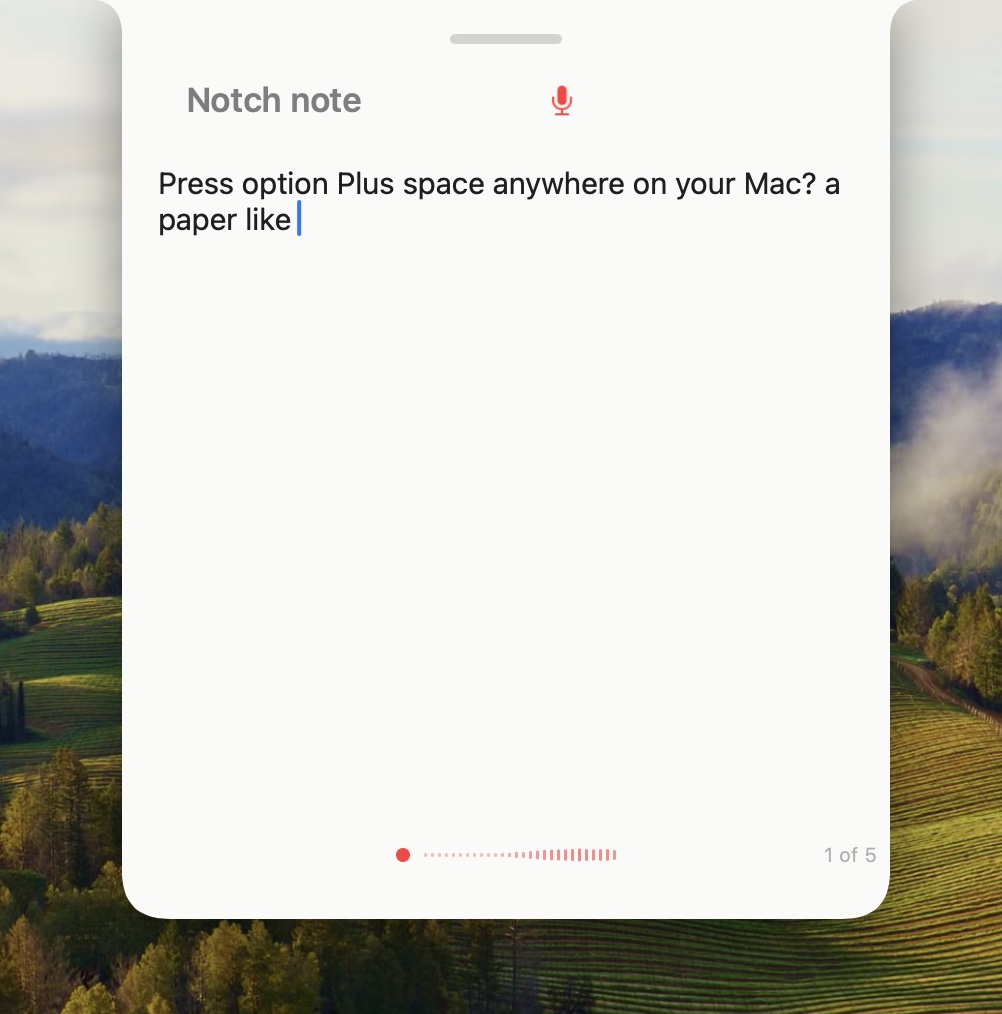
On-device dictation
Live transcription on your Mac, with optional local cleanup via Parakeet or WhisperKit. Audio stays on-device.
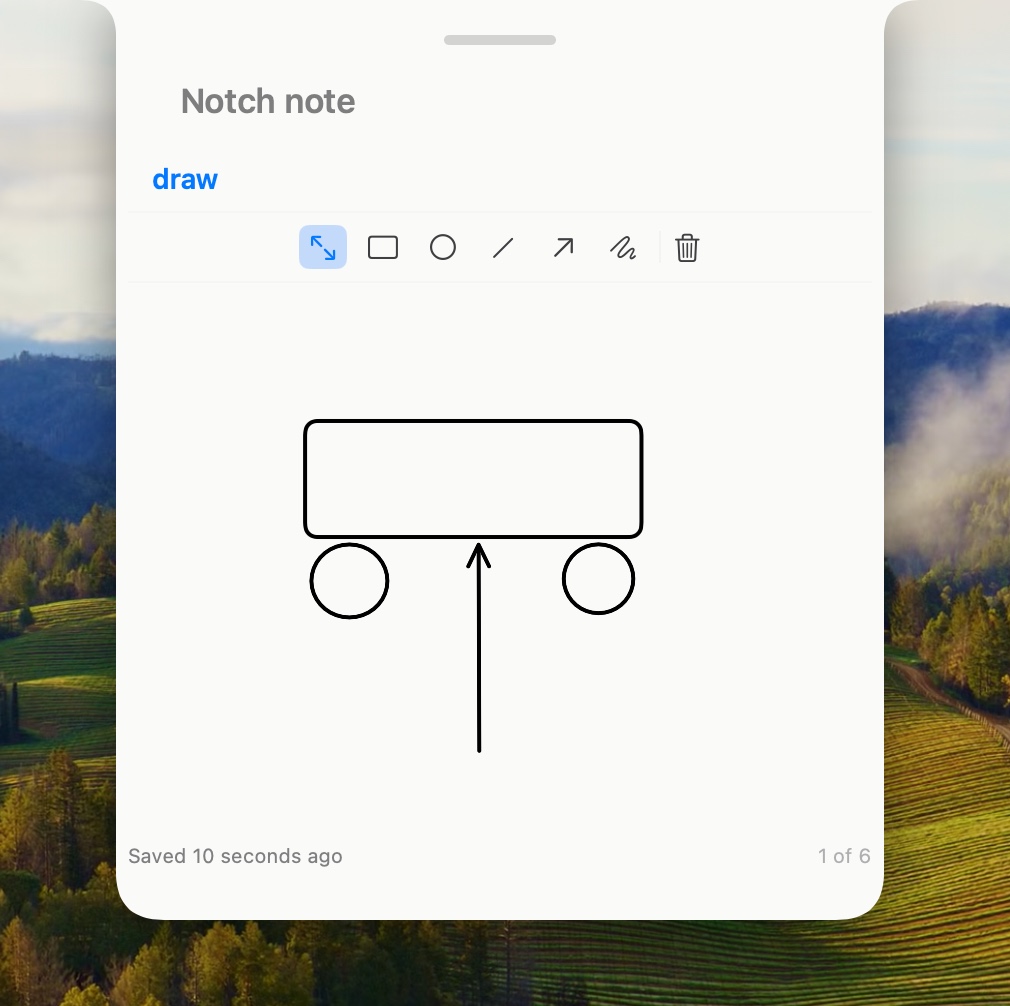
Diagrams that sync like text
Draw simple diagrams inside the note. The scene is encoded in the note body, so it syncs like any other note.
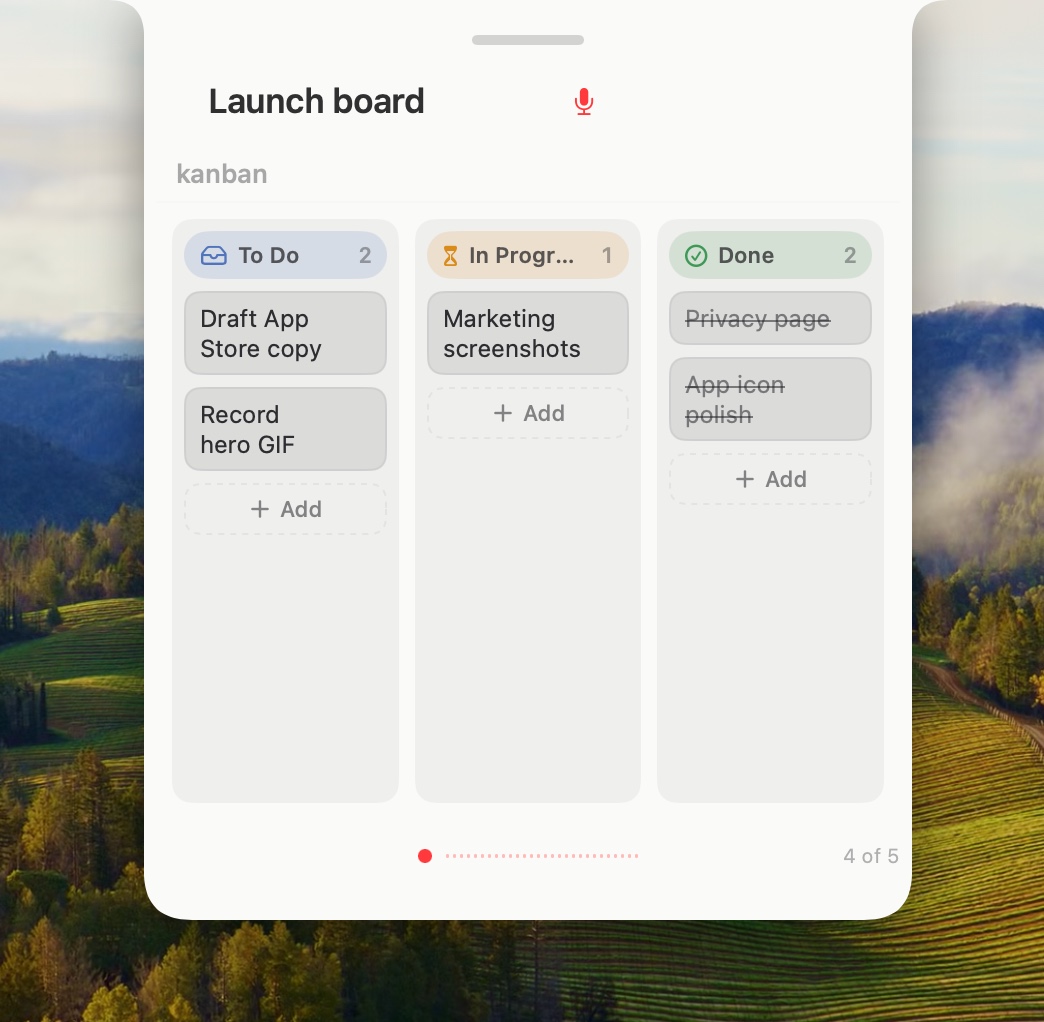
A board when you need one
Turn a note into a compact To Do, In Progress, Done board when a thought becomes a tiny project.
Your notes stay yours
Local by default
Notes are stored in the app's SwiftData store on your Mac. If you are signed into iCloud, SwiftData mirrors notes to your private CloudKit database so they can sync across your Macs.
Share and export
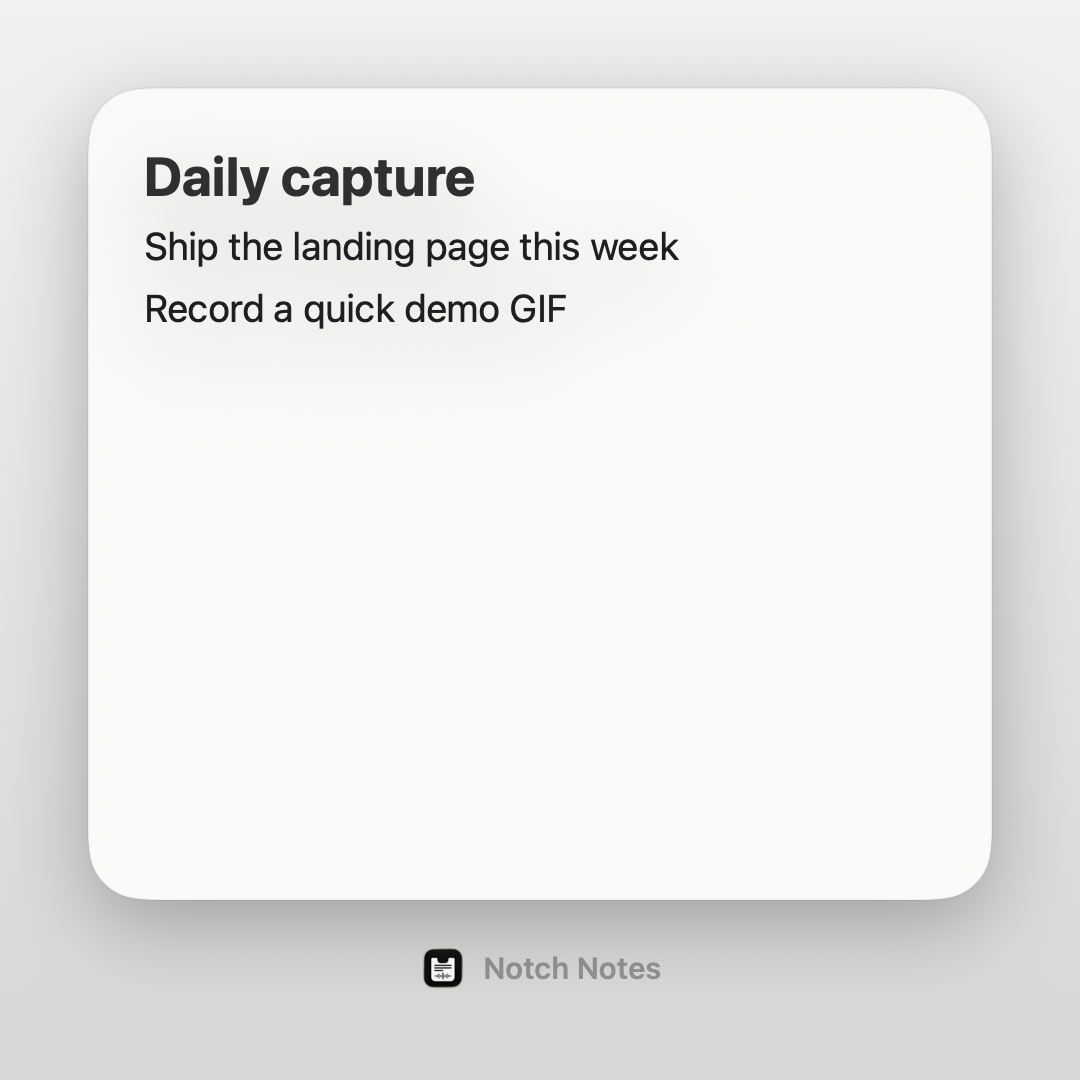
Export notes as Markdown or render a square social-share image from your note. Export writes only to folders you choose. No analytics, no telemetry.